logo
NanoBiBi
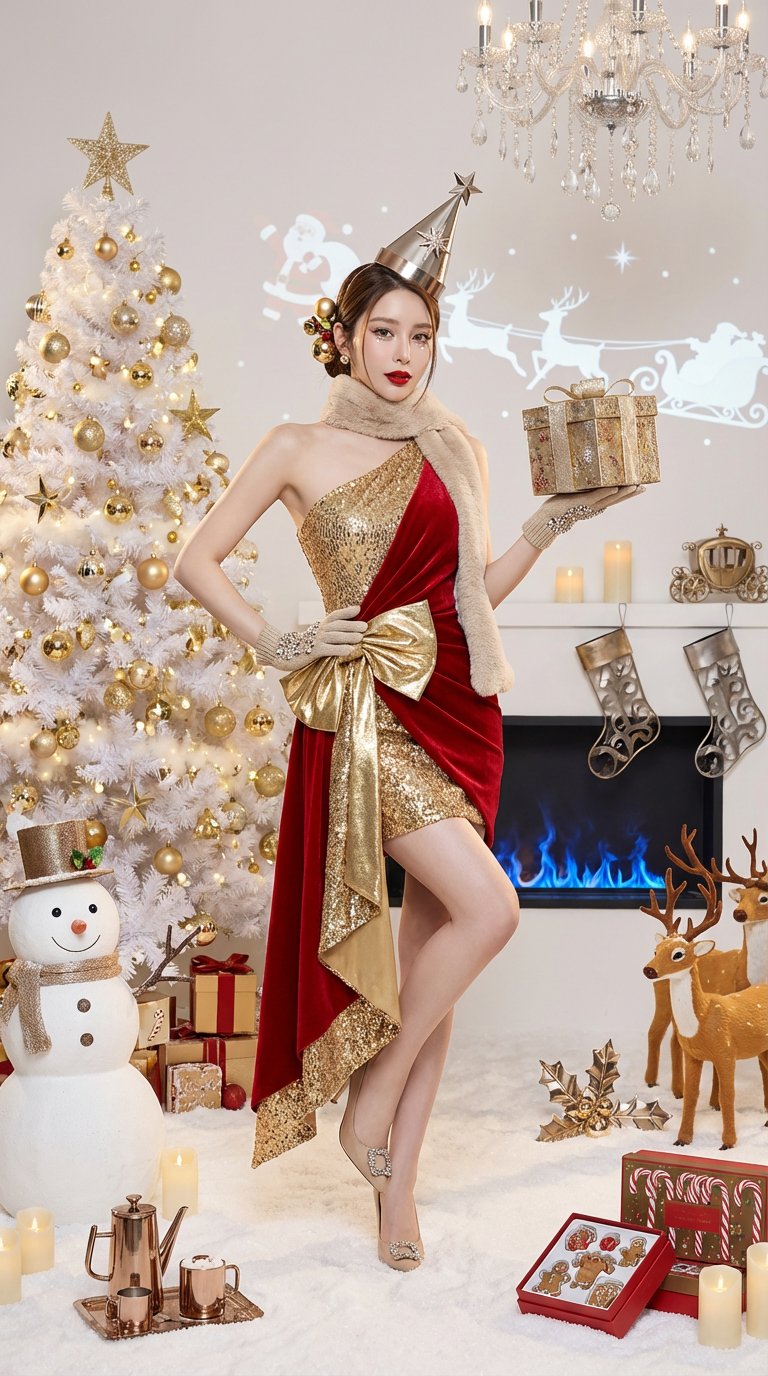
A high-fashion Christmas editorial portrait featuring metallic makeup, an asymmetrical red velvet-and-gold-sequin outfit, and a pure white studio holiday scene filled with luxury props and art installations.
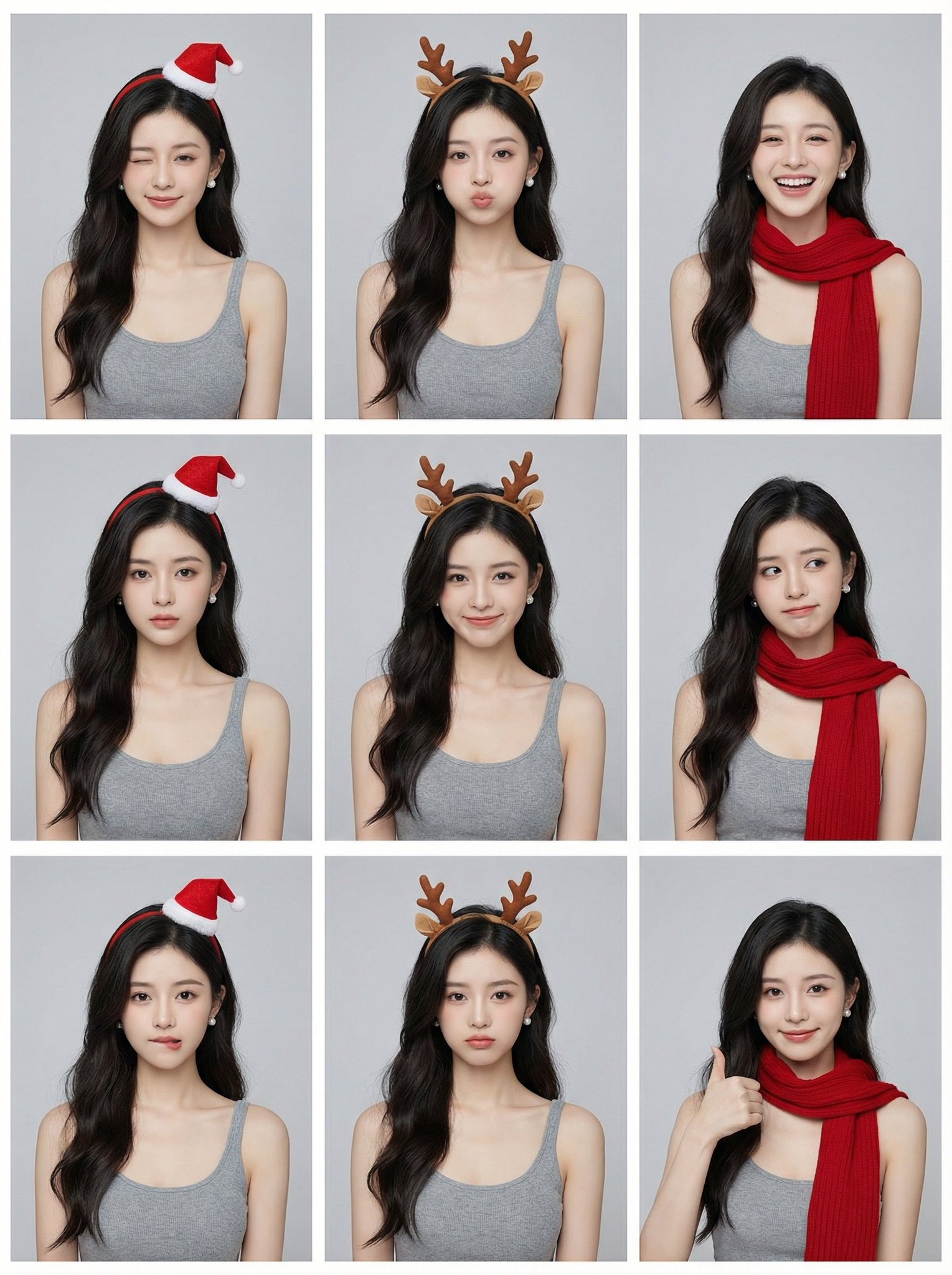
Generate a single 3x3 contact sheet image with nine distinct panels of the same young Asian woman, keeping outfit and hairstyle identical while varying facial expressions and camera angles under studio lighting on a light grey background.
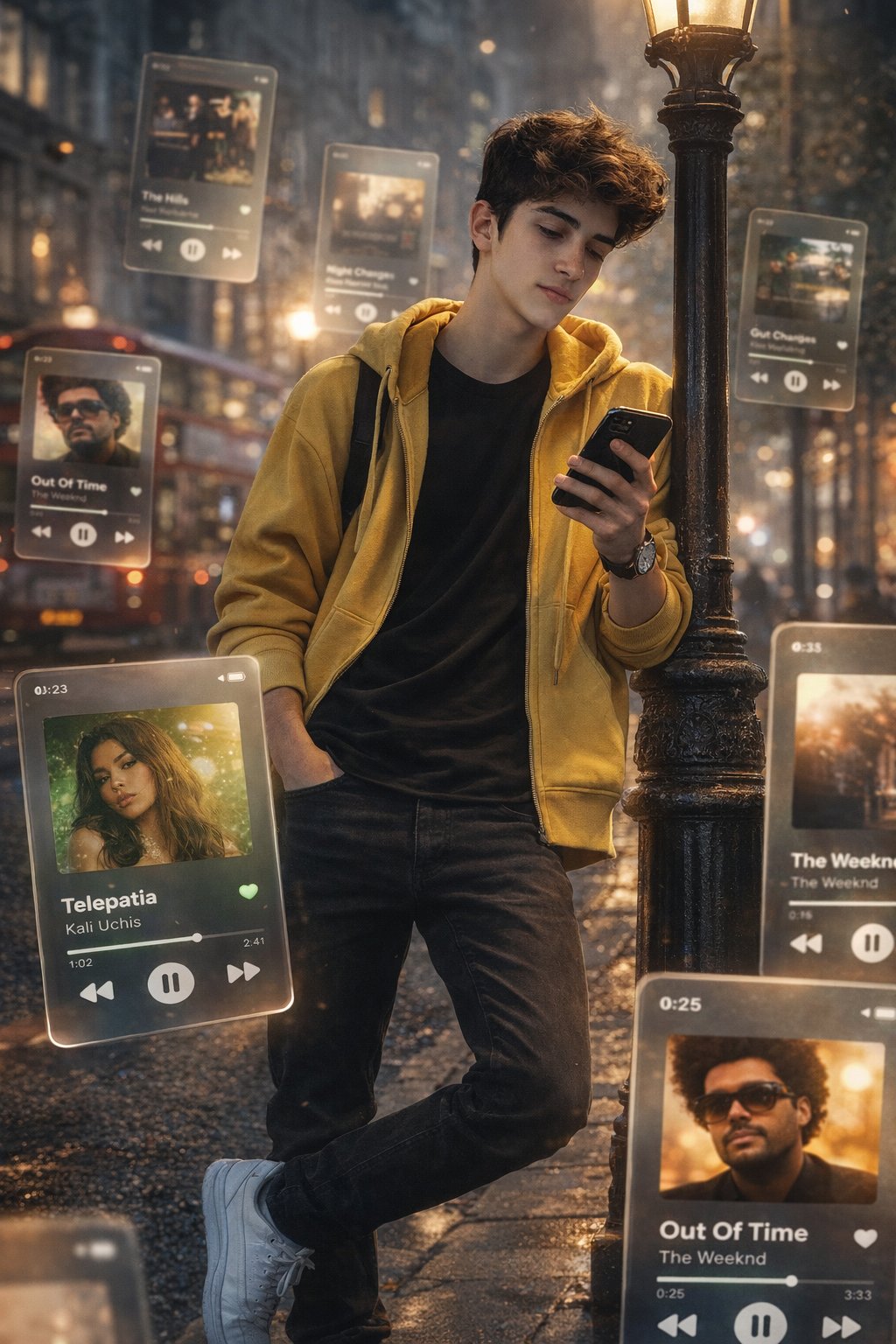
Create a dreamlike, movie-quality augmented reality portrait with multiple frosted-glass Spotify/Apple Music player cards orbiting around the subject on a realistic London street, captured in a 9:16 HD composition.
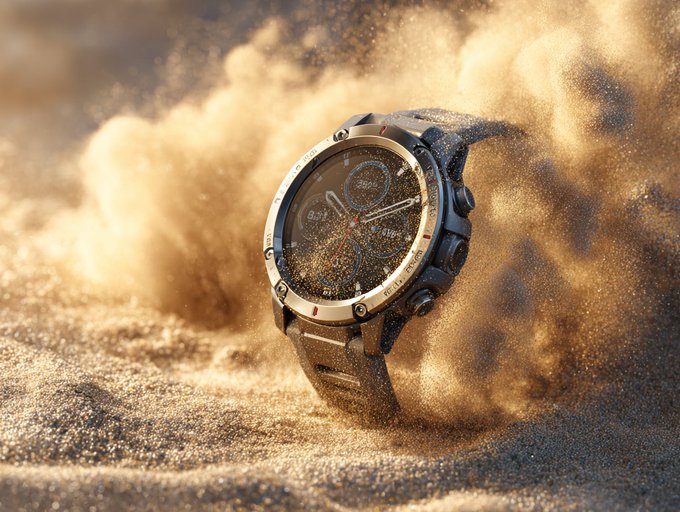
Create a dynamic studio product shot with fine sand particles swirling mid-motion in a desert wind effect, lit with warm golden tones. Emphasize gritty texture contrast and an elemental sense of rugged durability.
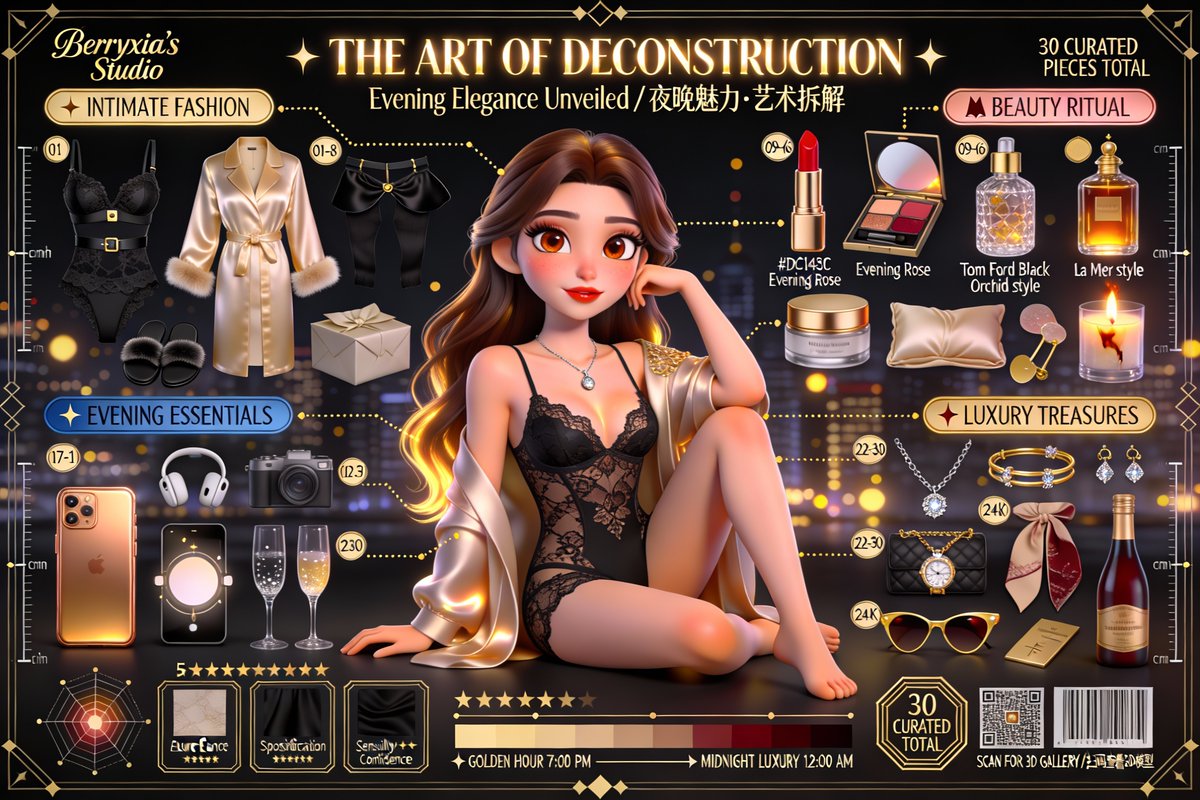
Create a museum-grade, cinematic 3D Pixar/Disney-style character deconstruction poster from a user reference photo, featuring a stylized-realistic character and a strict knolling layout of 30–36 numbered personal items with exploded-view callouts, Art Deco framing, and premium typography.
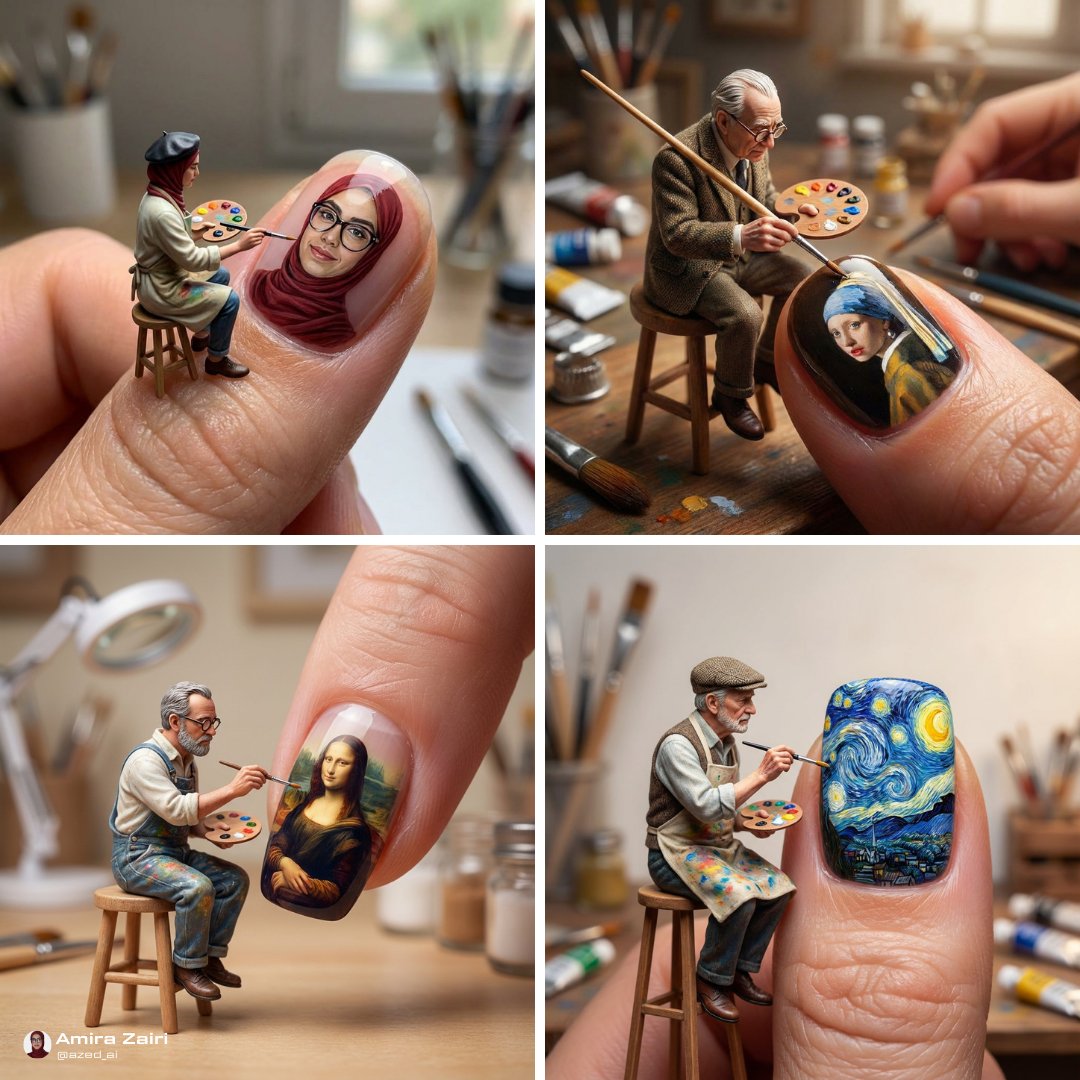
A hyper-realistic macro photo of a tiny painter on a stool meticulously painting {{SUBJECT}} onto a glossy human fingernail, with soft lighting and a shallow depth of field. The scene emphasizes intricate brushwork and a smooth, reflective nail surface.
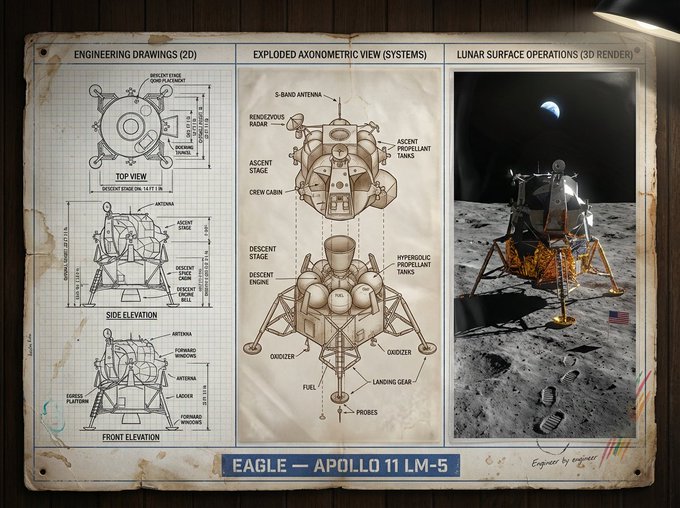
Create a museum-grade industrial design presentation board that moves from black-and-white annotated technical drawings to an exploded axonometric diagram and a cinematic photoreal 3D render, all arranged on a clean grid.
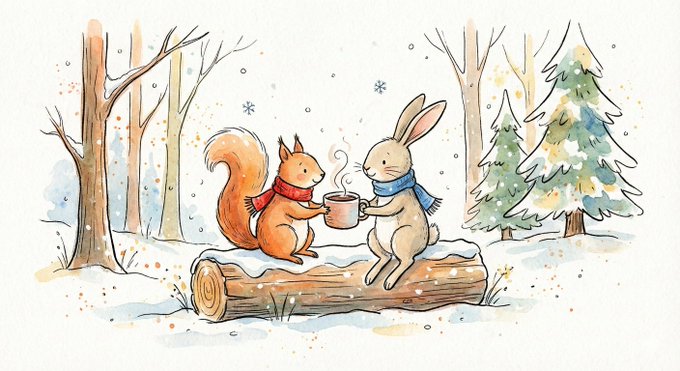
Create a heartfelt, healing, slightly nostalgic whimsical children's book illustration with loose black ink linework and gentle watercolor washes on warm paper texture. Designed for postcards, children's picture books, Christmas campaign ads, or mood-driven editorial illustration.
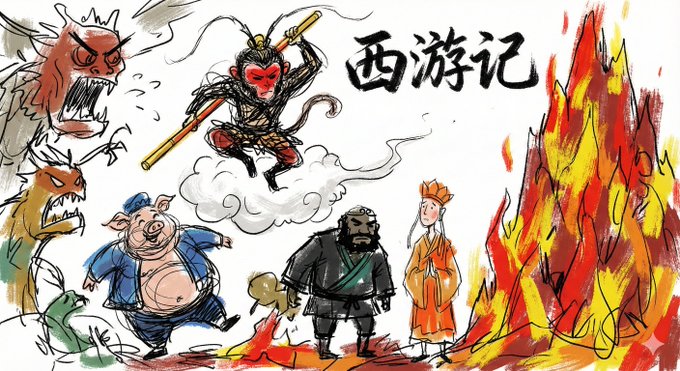
A doodle-sketch style illustration with casual, exaggerated linework and rough dry-brush blocks of color. Keep the background mostly white and avoid transparent watercolor bleeding and paper-texture rendering.
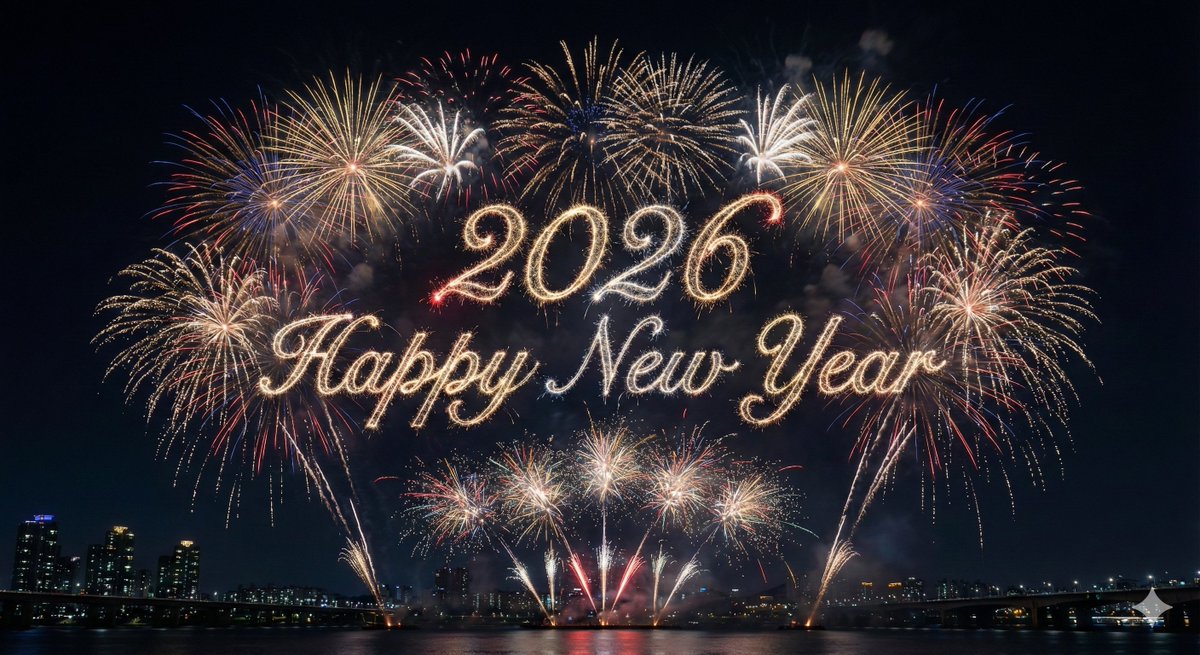
Create an ultra-realistic, professional nighttime fireworks show where the central sky clearly forms {{SUBJECT}} entirely from fireworks, surrounded by layered celebratory bursts. Photographic detail, accurate bloom and particles, deep navy-to-black cloudless sky, and no extra text or elements.
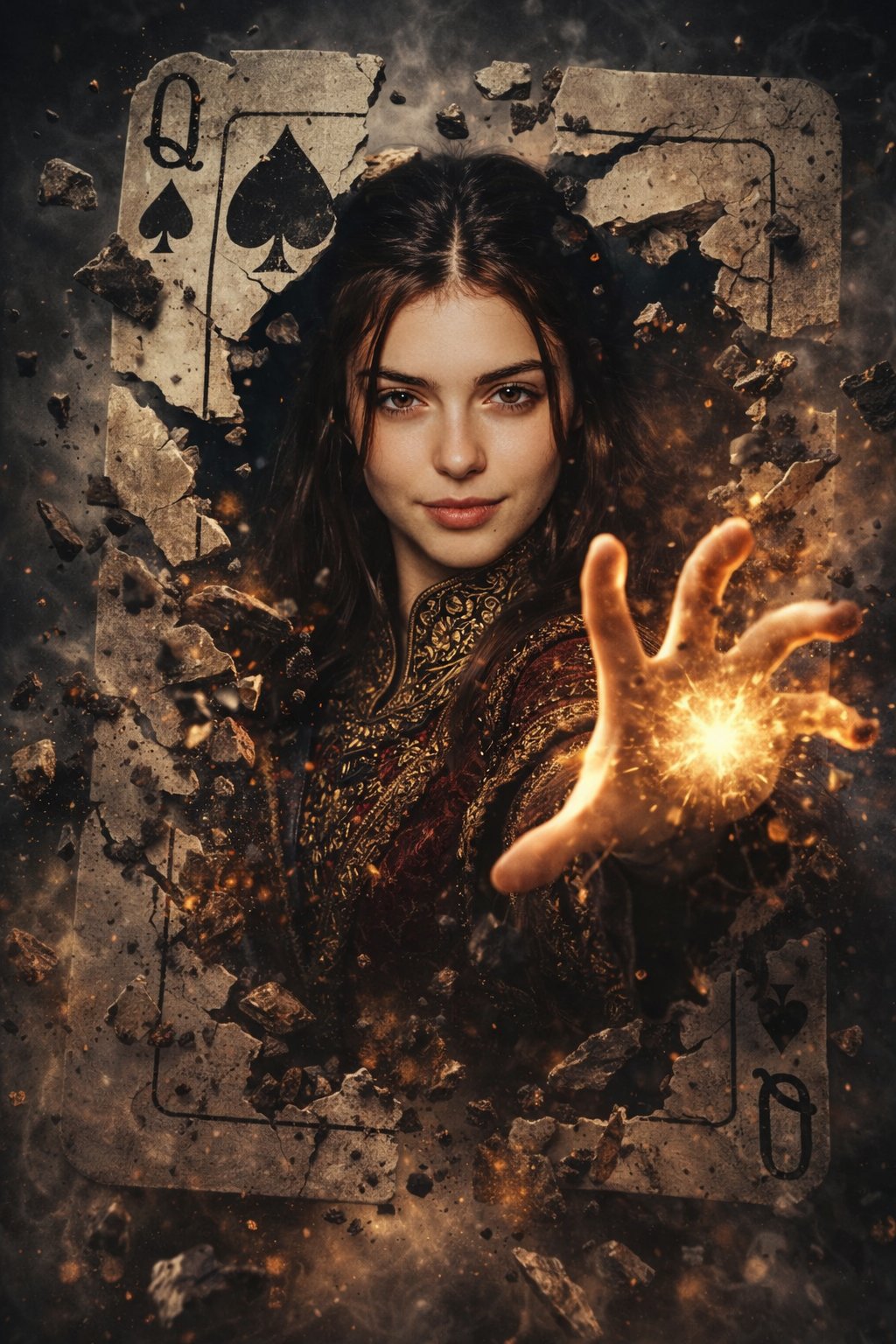
A hyper-realistic cinematic fantasy poster featuring a powerful female sorcerer emerging from a shattered Queen of Spades card, with dramatic chiaroscuro lighting, debris frozen mid-air, and intense magical energy reaching toward the viewer.
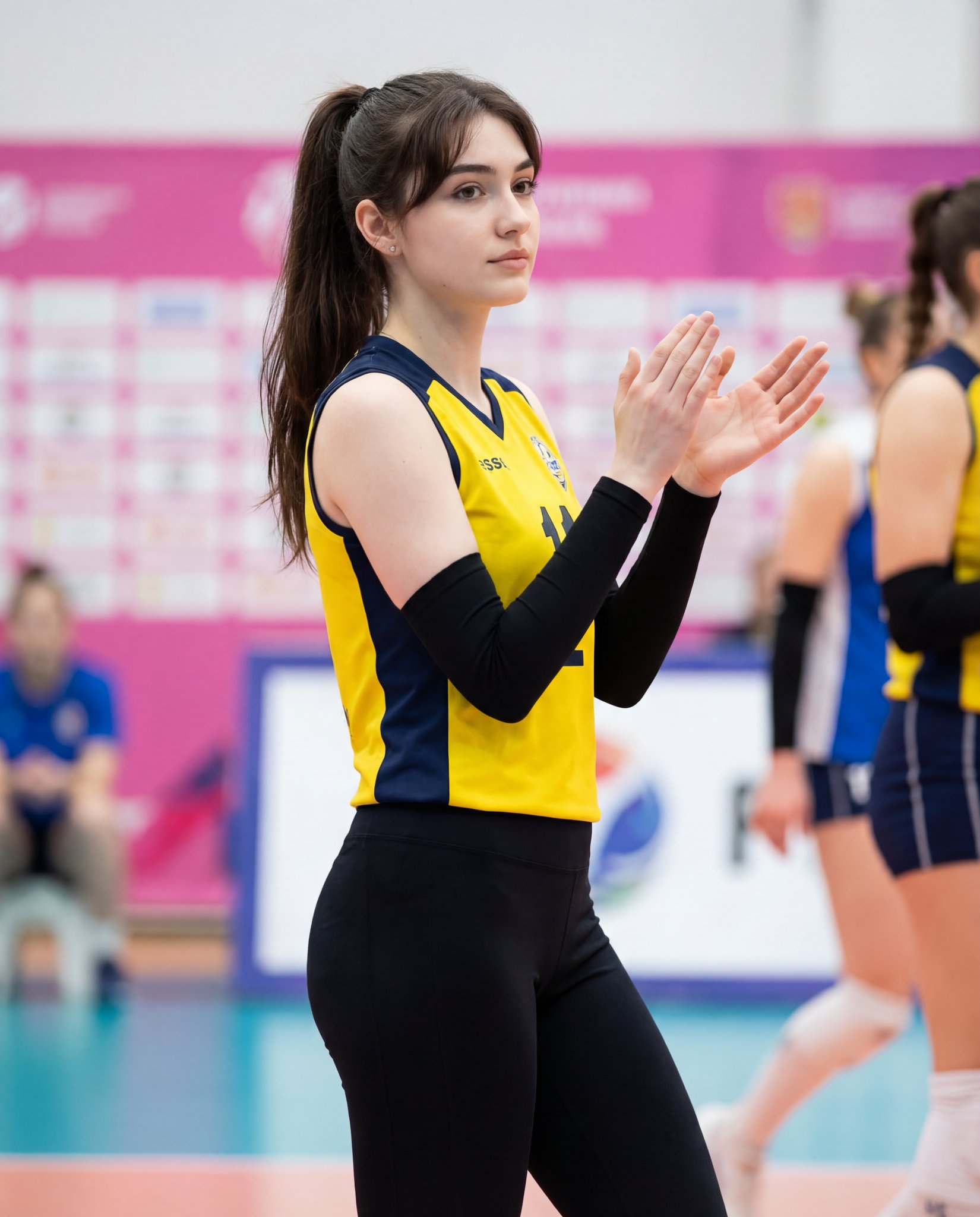
Create an 8K photorealistic medium shot of a young adult female volleyball athlete in an indoor sports arena, with the uploaded reference face identity preserved exactly. The athlete is captured in a calm, focused moment mid-clap with shallow depth of field and bright, even arena lighting.
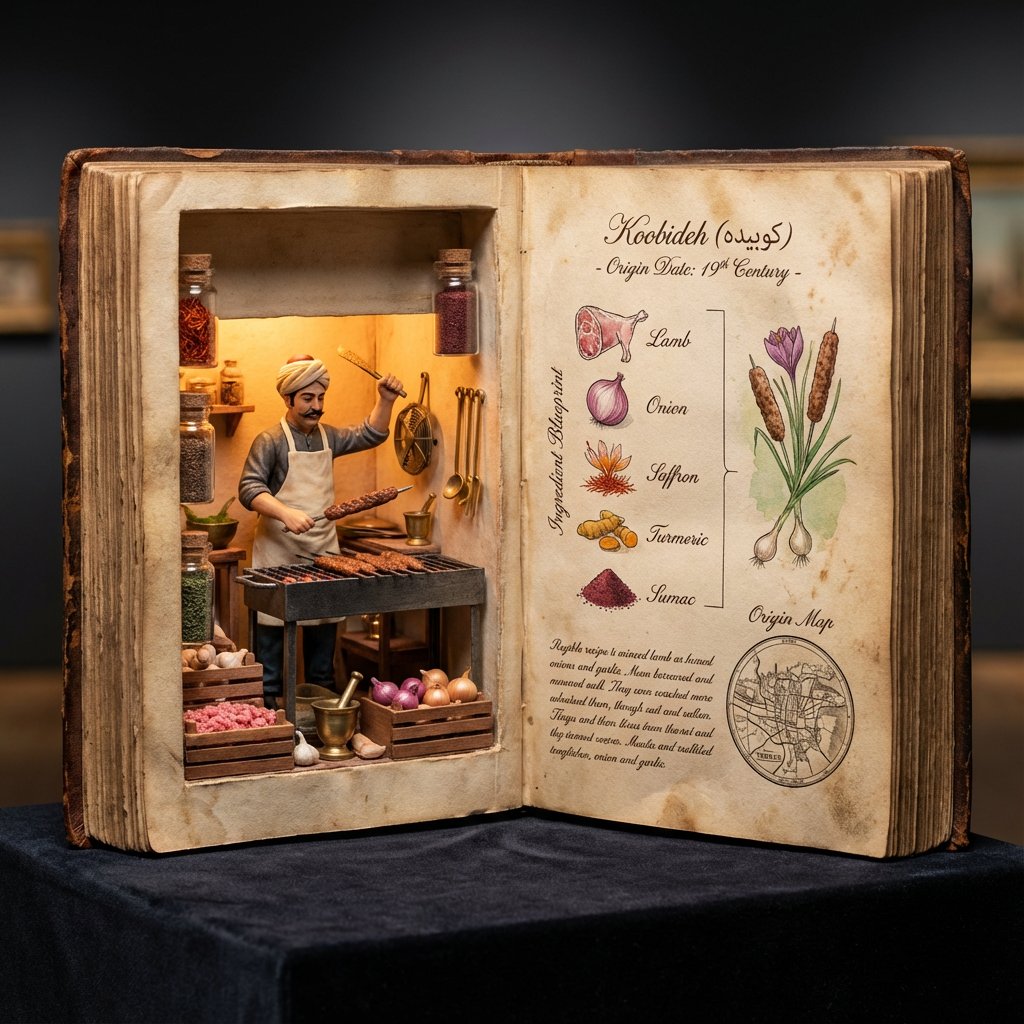
Create a hyper-realistic 4:5 macro museum-specimen photograph of an oversized open antique culinary codex featuring a glowing miniature inventor diorama on the left page and a legible technical recipe layout on aged parchment on the right.
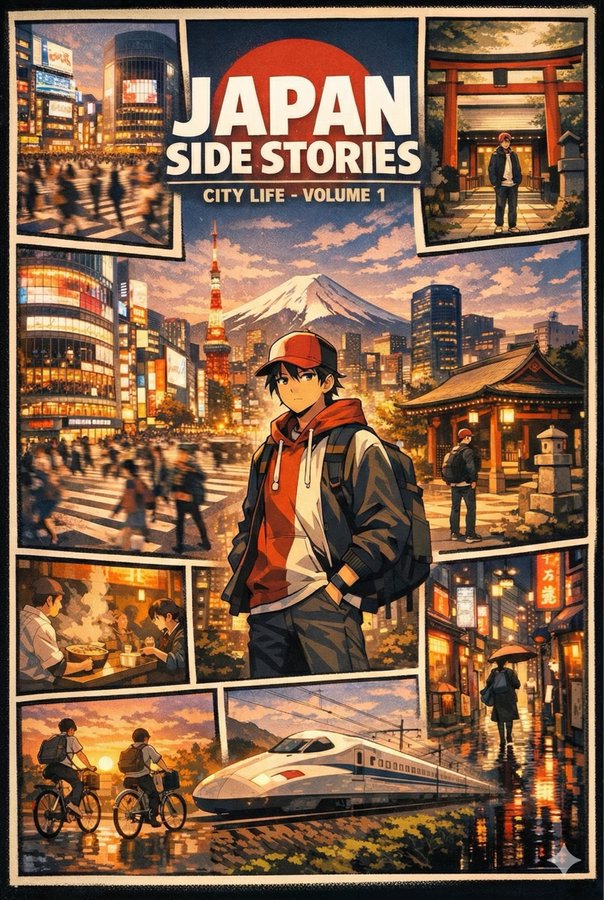
Create four anime-style digital posters in a GTA V–inspired comic grid layout, each centered on a character and iconic city landmarks in Italy, France, Japan, and Korea. Include surrounding vignette panels showing everyday city moments, travel, food, rain, sunset, and neon nightlife with the specified color palettes.
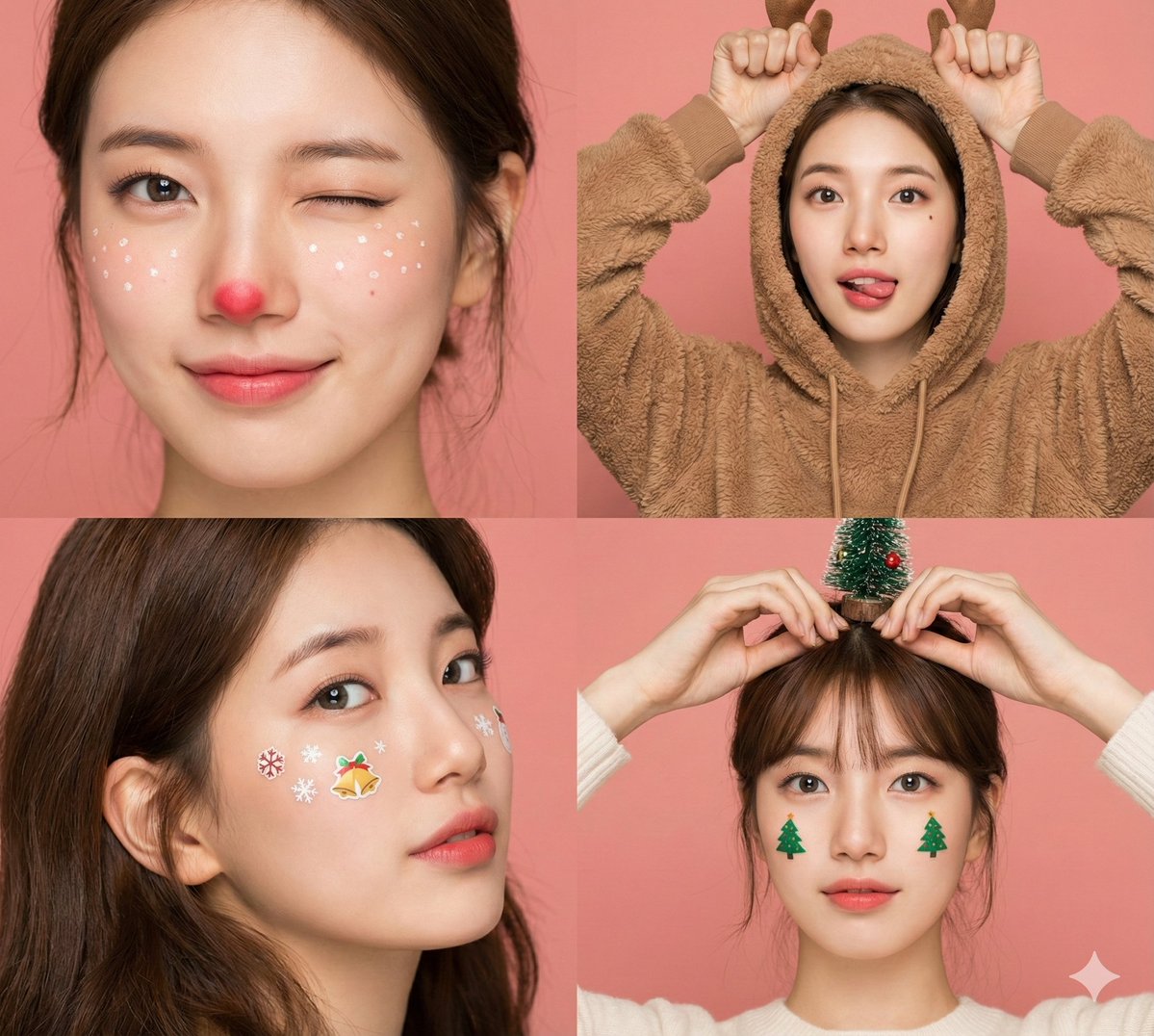
A photorealistic 4-panel split-screen collage featuring the same fair-skinned female character in four Christmas makeup and pose variations, shot against a solid pink/peach backdrop with ring light catchlights.
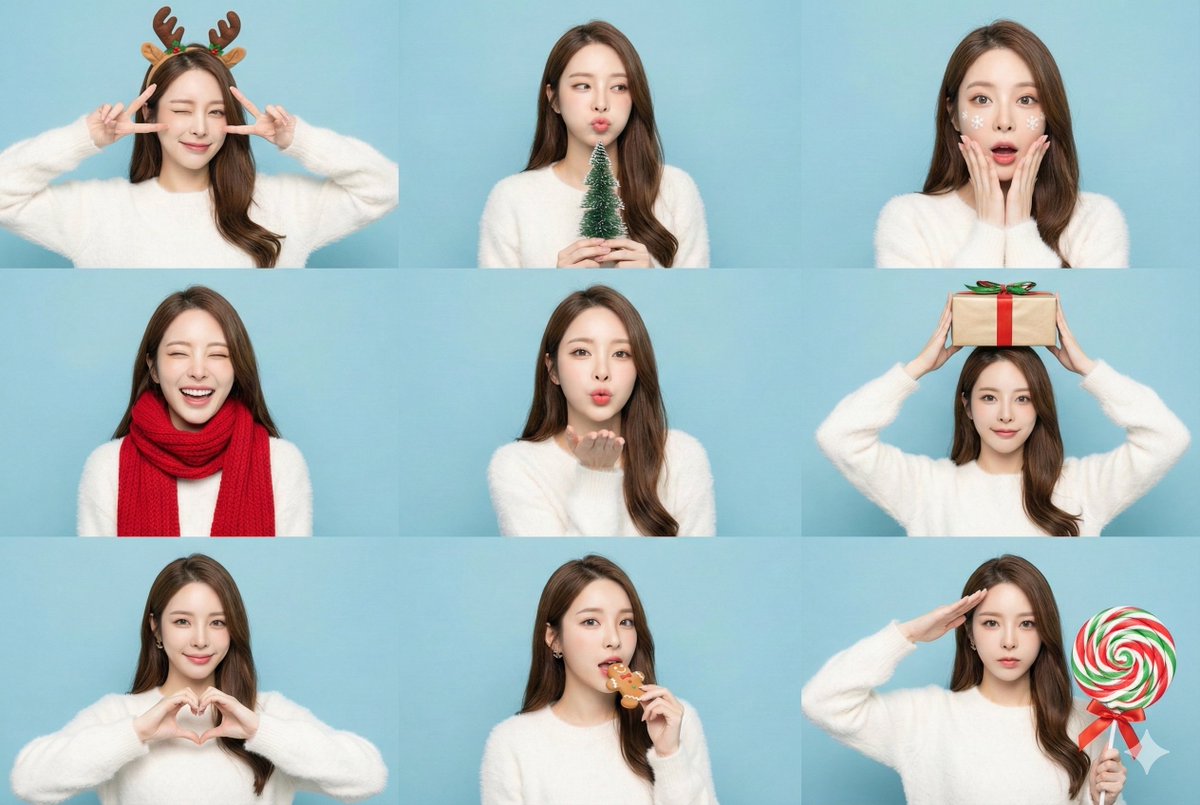
Create a bright, high-key 3x3 photobooth-style collage of the same character in nine festive Christmas poses with consistent facial features across every panel.
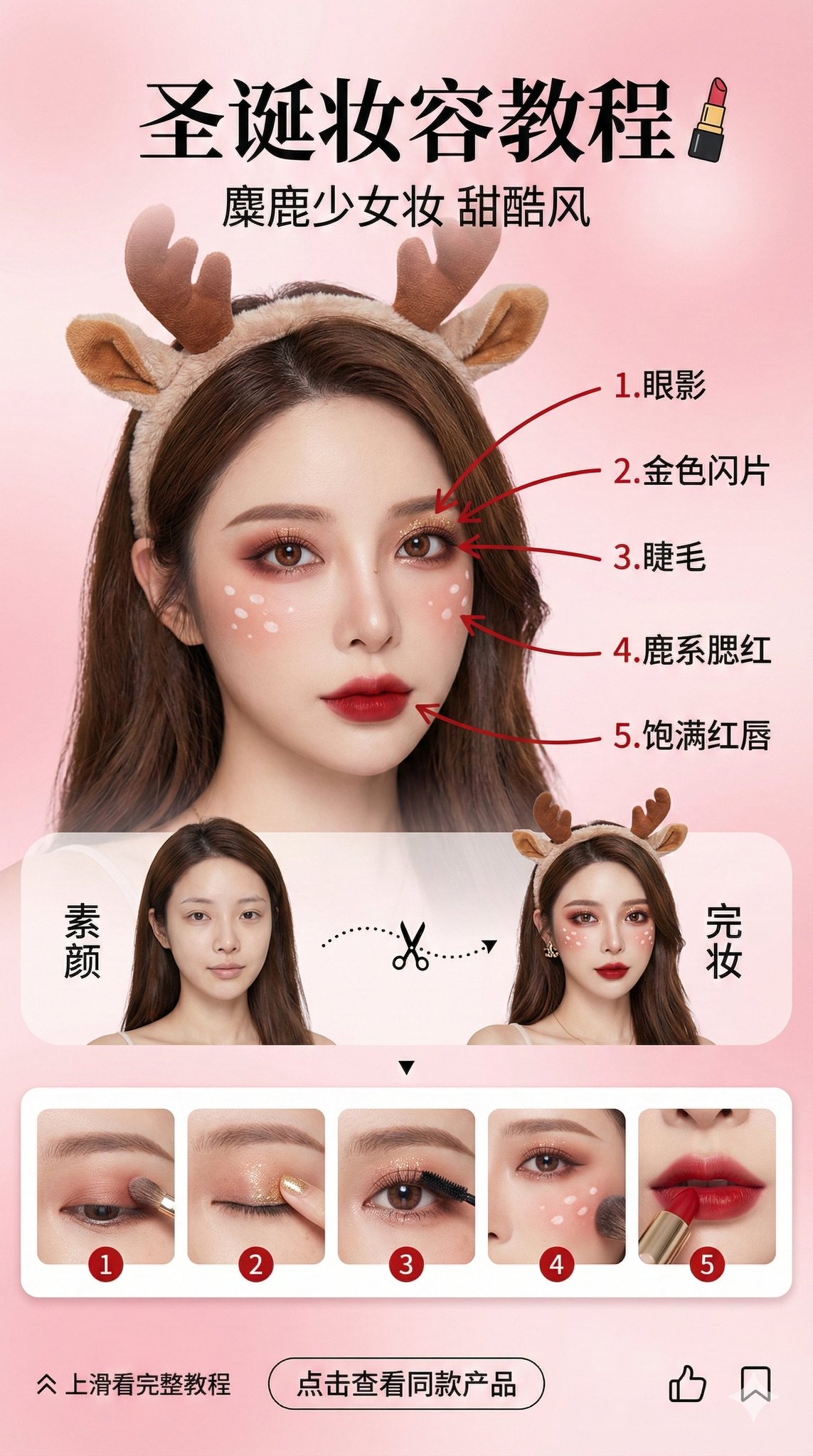
A vertical 9:16 social media story design featuring an Asian beauty blogger’s Christmas reindeer-inspired makeup tutorial, combining high-end commercial portrait photography with clean UI typography and step-by-step callouts.
A first-person shooter POV in a dystopian cyberpunk mega-city, featuring a cybernetic mercenary’s prosthetic arm, a dual-barreled smart pistol, and a legible glitchy HUD during a rain-soaked rooftop escape. Rendered like a high-end PC in-game ray-traced screenshot with neon fog, wet reflections, and high-FOV motion energy.
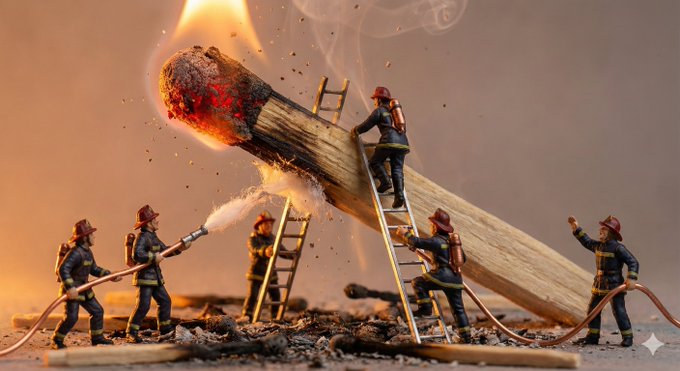
Create a macro-perspective miniature diorama where tiny characters struggle against an oversized everyday object, emphasizing dramatic scale contrast and cinematic lighting. Ultra-detailed, handcrafted props and expressive poses deliver realistic, story-driven miniature scenes.
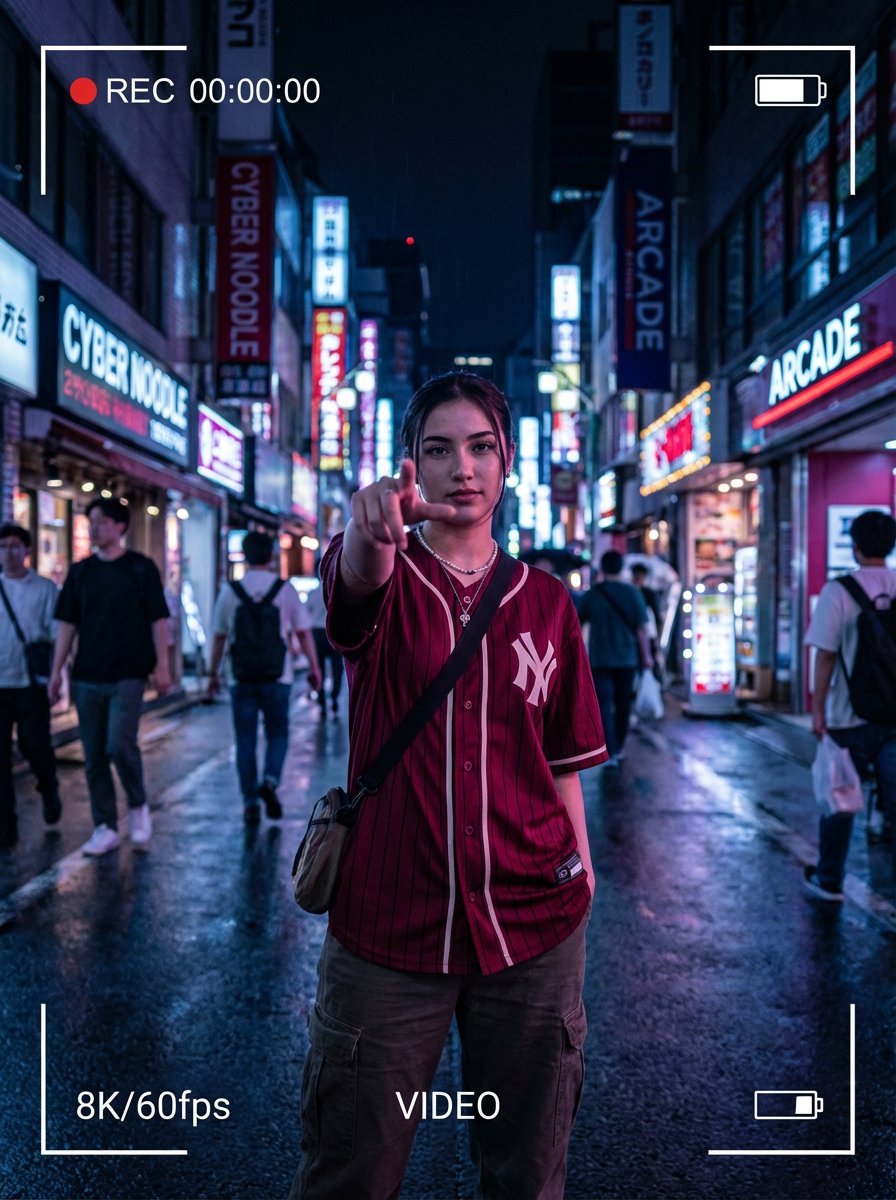
Hyper-realistic night street portrait of a young woman making a dynamic POV gesture with her index finger reaching toward the lens, framed as a cinematic smartphone video recording with on-screen UI elements.
AI creation tutorial in 4 simple steps for batch image editing, bulk AI generation, and multi-modal content. Step 1: choose a bulk workflow; Step 2: craft prompts with keyword guidance; Step 3: run the batch image editor, AI upscaler, or video generator; Step 4: download and share. Covers text-to-image, text-to-video, audio guides, and best practices—no experience required.

AI Creation Tutorial — 4 Steps to Master AI Content Generation

Create faster with AI. Every workflow — background removal, upscaling, editing — is step-by-step, simple, and ready for beginners.

The entire flow is streamlined: pick what you want to do, describe it, and the AI handles the rest. No editing skills needed, just consistent and clean results for all your images and media.

Fast Generation (≈30s)
No AI Experience Required
High-Quality, Consistent Output

Step 1Choose an AI Filter

Browse our library of AI-powered filters and styles — from cartoon effects and 3D renders to vintage aesthetics and artistic portraits.
Select AI Creation Tool, Choose Feature, Batch Image Editor, Bulk Workflow1
AI Creation Step 1
Easy to Learn

Step 2Upload Your Photo

Upload the photo you want to enhance or transform. Multiple formats are supported, and high-resolution images deliver the best results.
Write Prompt, Add Style & Constraints, Background Removal, Color Control2
AI Creation Step 2
Easy to Learn

Step 3AI Processing

Our advanced AI algorithms analyze your photo and apply the selected filter or effect. Processing usually takes just a few seconds.
AI Generation, Multi-Step Editing, Upscaling, Brand Style Unification3
AI Creation Step 3
Easy to Learn

Step 4Download & Share

Download your AI-enhanced photo instantly and share it on social media, use it in your projects, or keep it for personal collections.
Download Result, Share to Social, Watermark Options, Campaign Delivery4
AI Creation Step 4
Easy to Learn

Start Your AI Creation Journey — Fast, and Built for Bulk Editing

Experience cutting-edge AI automation. Turn ideas into visuals, videos, and audio with batch background removal, smart erase, and AI image upscaling.
In just a few steps, generate stunning AI images, cinematic clips, and studio-grade audio ready for e-commerce, social media, or marketing launches.

Zero-Setup, Beginner-Friendly
≈30-Second Turnaround
Pro-Level Output Quality

AI Creation Tips — Boost Your Generation Quality

Be specific: include subject, style, camera angle, lighting, resolution, and constraints to guide the model.
Keyword tuning: add art style, mood, color palette, lens (e.g., 35mm), composition (rule of thirds), and timeframe.
Iterate: try multiple generations and refine prompts; use multi-step edits to lock character identity and brand tone.
Adjust parameters: scale guidance, seed, and safety settings; enable watermarks for authenticity and rights management.
AI creation FAQ, AI content generation help center, AI tool usage guide, AI image generation FAQ, AI video production FAQ, AI audio creation FAQ, AI music generation guide, AI copyright and legal issues, AI generation cost, AI content quality optimization, AI tool troubleshooting, AI creation tutorials, free AI creation platform Q&A, technical support for AI content tools.

AI Creation FAQ - Help Center

What are AI photo filters?

AI photo filters use advanced artificial intelligence algorithms to instantly transform your photos into different artistic styles such as cartoons, 3D renders, vintage effects, portraits, and more. Simply upload your photo, and the AI will automatically generate stunning, high-quality results.

How do I use AI photo editing tools?

Using our AI photo editing tools is simple: 1) Select your preferred filter or style, 2) Upload your photo, 3) Wait a few seconds for AI processing, 4) Download your enhanced image. The entire process is automated and beginner-friendly.

Which image formats are supported?

We support popular image formats including JPG, PNG, and WEBP. For the best results, we recommend uploading high-resolution images.

How long does AI photo processing take?

Most AI processing is completed within 10–30 seconds, depending on image size and the complexity of the chosen effect.

Can I use AI-generated images for commercial purposes?

Yes, you may use AI-generated images commercially. Please ensure you own the rights to the original photo you upload before generating content.