logo
NanoBiBi
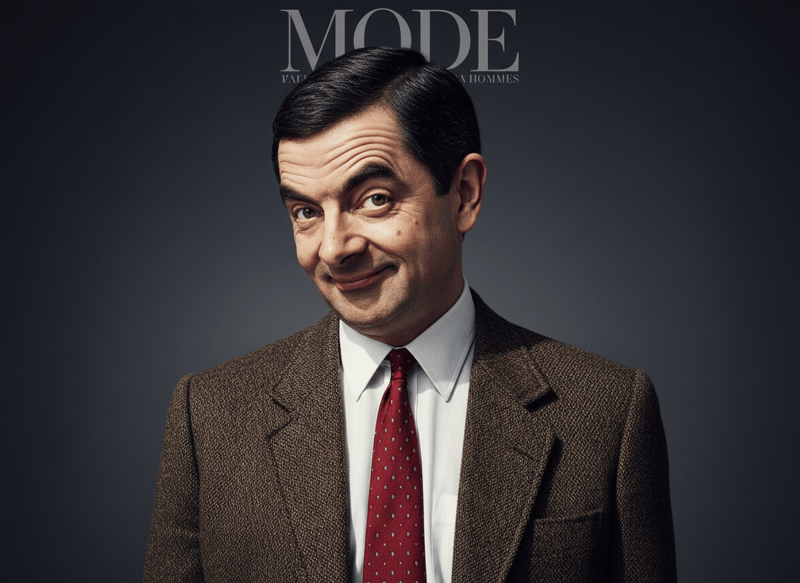
Transform your photo into a high-fashion, editorial look worthy of a magazine cover with Nano BiBi’s Fashion Magazine, powered by Google Nano Banana. This AI magazine cover generator creates Vogue-style glamour shots, runway-inspired model photography, and editorial portraits for a true fashion-forward experience.
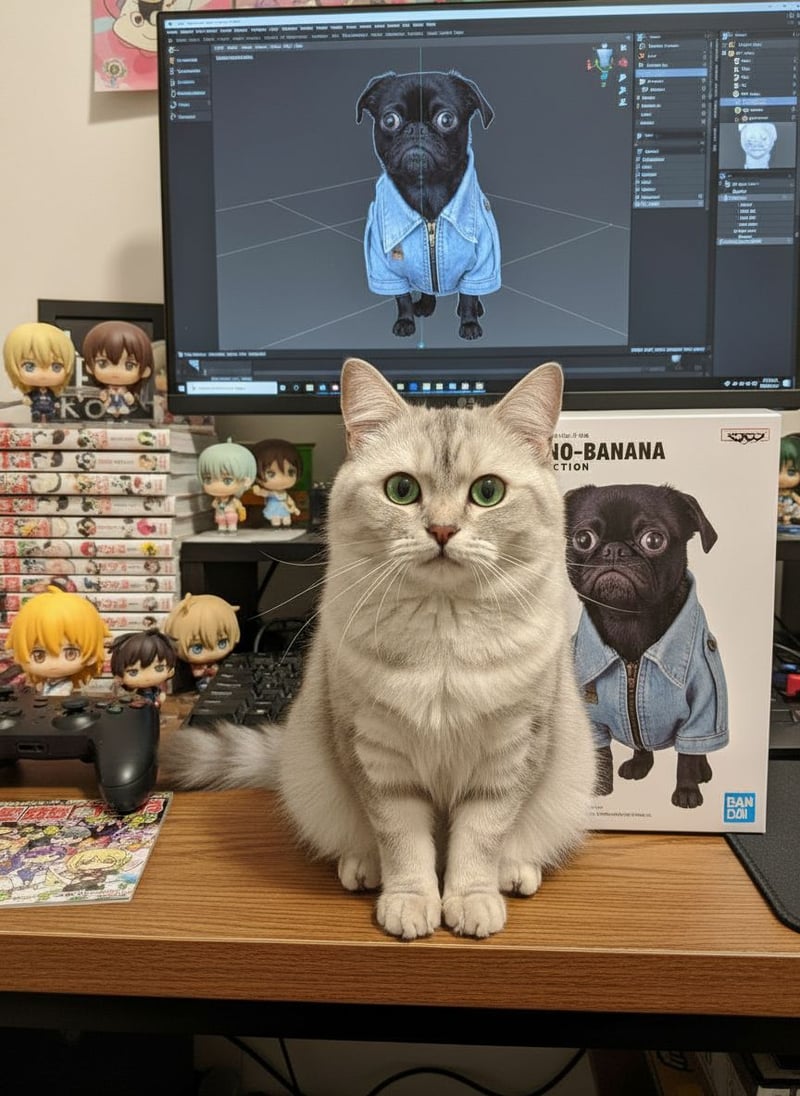
Turn any image into a vibrant miniature. Create stunning, stylized character models in minutes, powered by Google Nano Banana.
AI Cat Image Generator allows you to generate lifelike cats at home anytime and anywhere, without any prompts, just a photo.
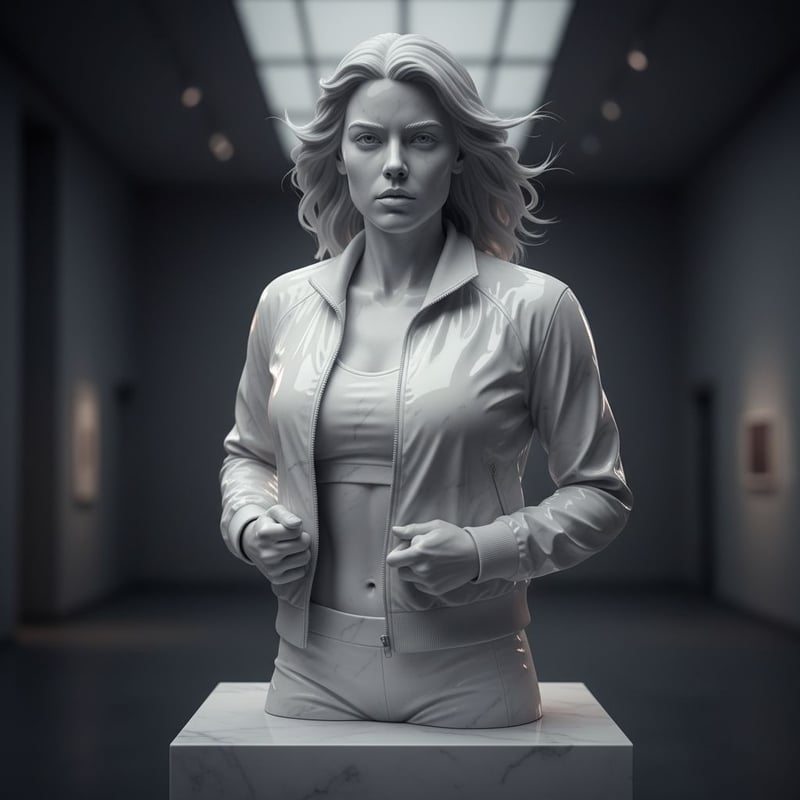
Utilize our cutting-edge AI sculpture generator to craft stunning and unique artistic pieces, elevating your creative projects with effortless digital design.
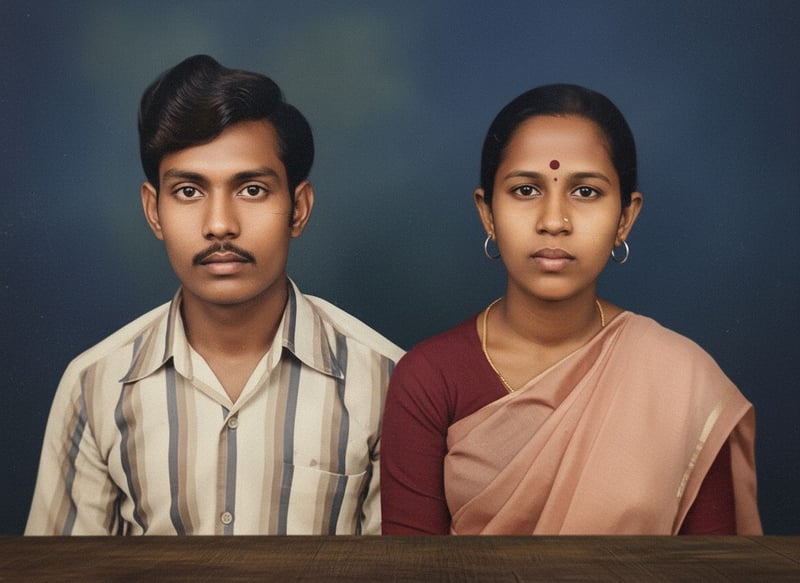
Give your old photos a fresh life by restoring them into high-resolution 1080×1920 images. Enhance colors, improve clarity, and achieve a stylish, authentic look with modern photography aesthetics.
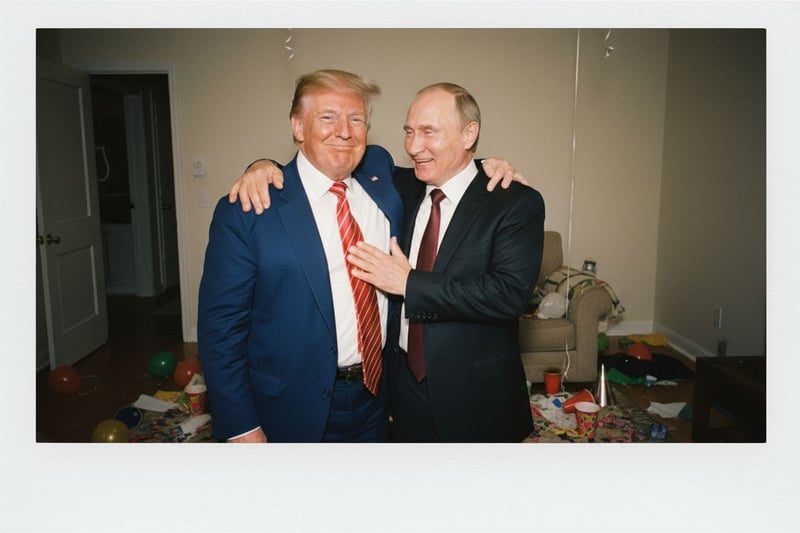
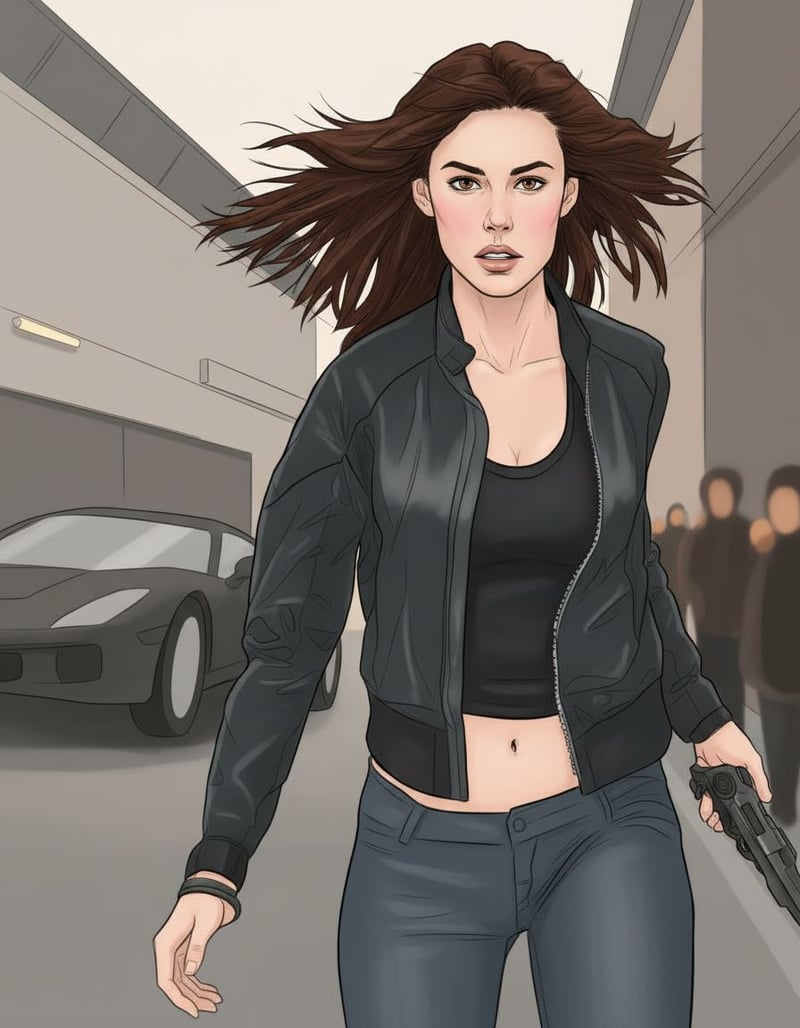
Create photorealistic and stylistic images using the Nano Banana model directly on the Nano Bibi platform. This workflow ensures accurate face consistency, natural lighting effects, and flexible style control, making it ideal for portraits, cosplay photography, and creative scene generation.
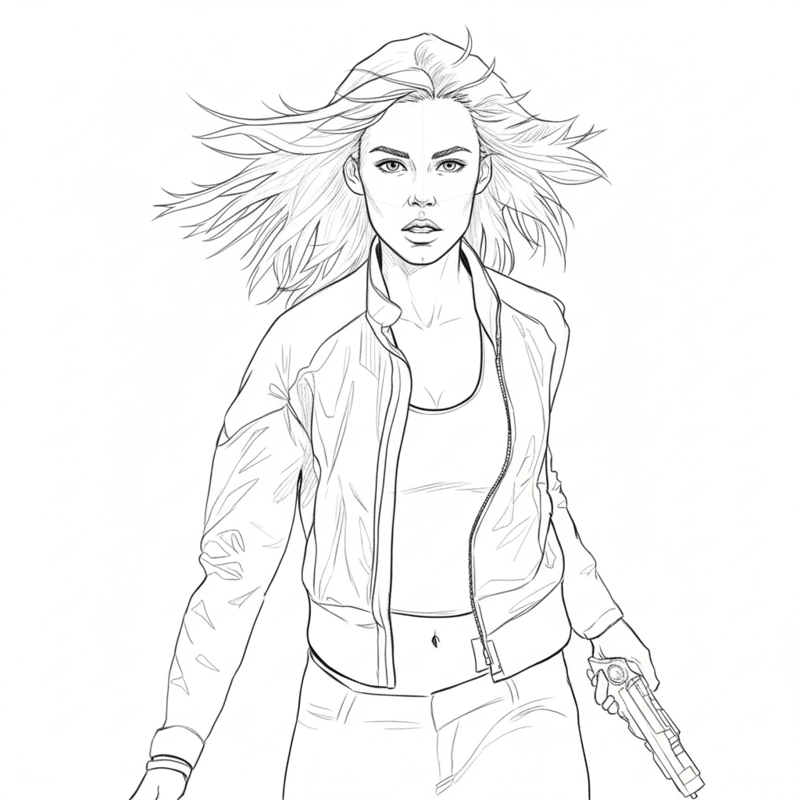
Turn your photo into clean line art with Nano BiBi’s Line Art Drawing, powered by Google Nano Banana. This AI sketch tool reduces your image to essential outlines, creating minimalist drawings, digital inking effects, and illustration-ready sketches — perfect for artists, designers, and creative projects.
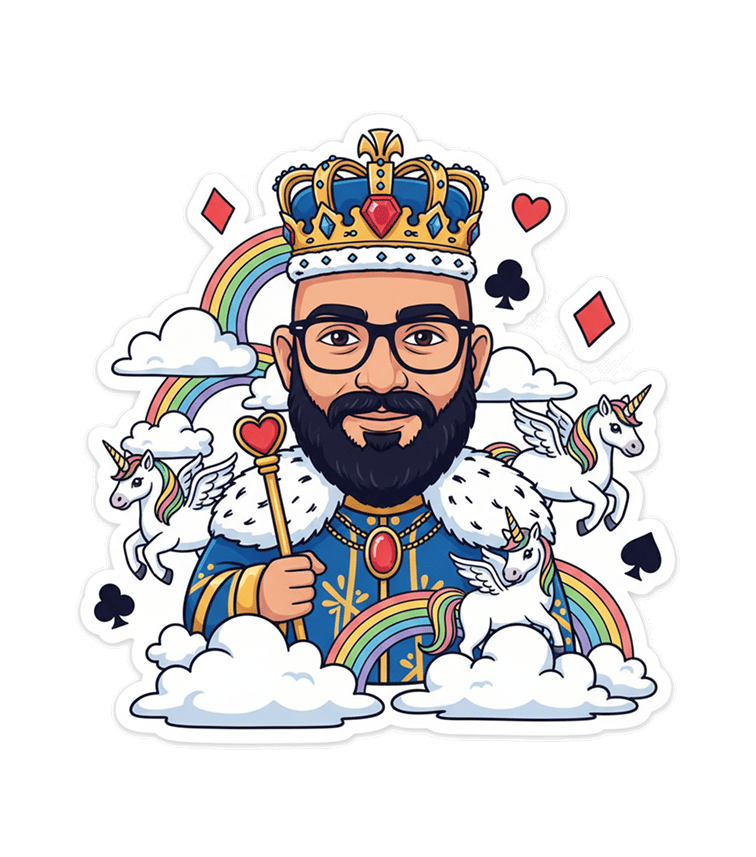
Create AI stickers that turn you into royalty – kings, queens, princes, or princesses – with unicorns, rainbows, and magical elements. Perfect for playful custom sticker packs.
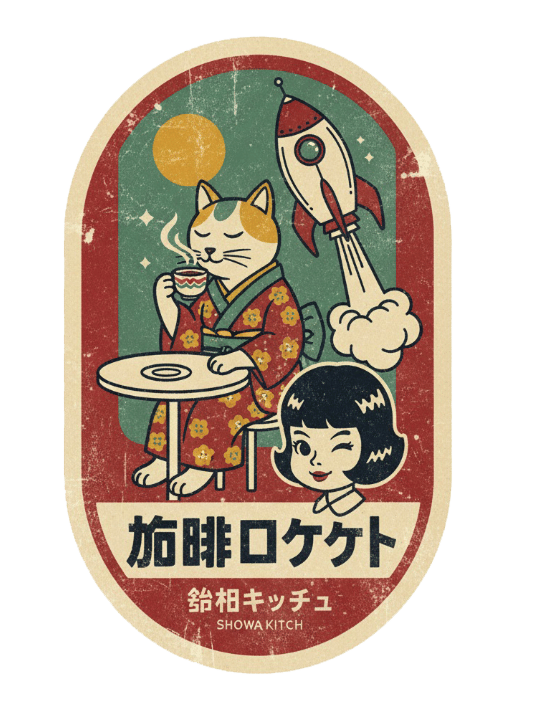
Generate AI stickers in Japanese retro matchbox art style, with limited color palettes, distressed textures, and kitsch illustrations. A perfect blend of vintage and quirky sticker design.
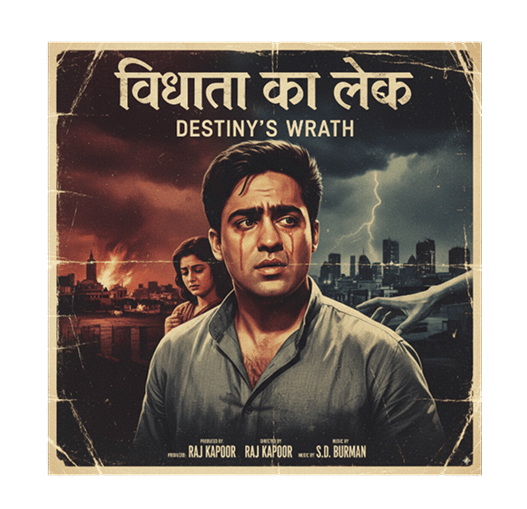
Use AI to generate retro Bollywood-inspired stickers with 1960s aesthetics. Capture the charm of classic Indian cinema and export as custom sticker packs for WhatsApp and Telegram.
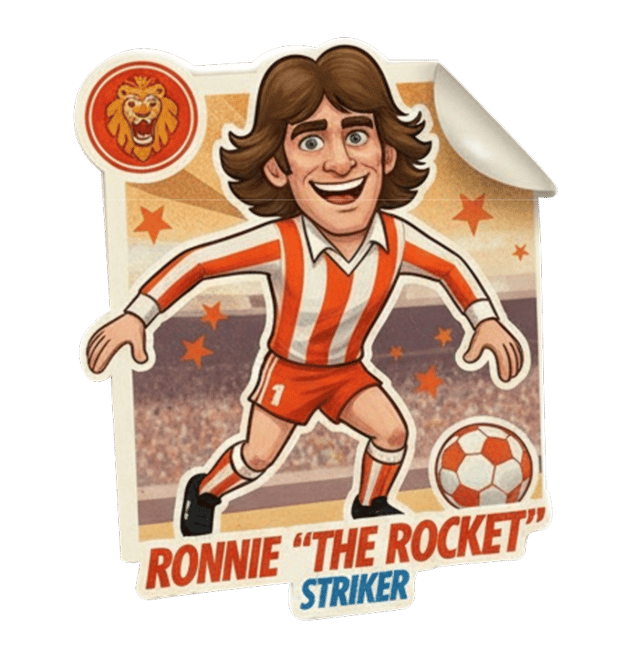
Relive retro soccer nostalgia with AI sticker cards styled like vintage collectibles. Perfect for football fans to create custom WhatsApp or Telegram sticker packs.
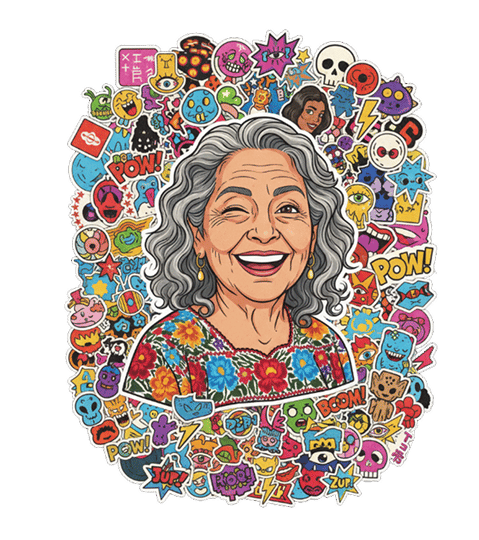
Create stickerbomb-style AI stickers with layered, graffiti-like designs. Your photo becomes a cartoon character in the middle of a sticker explosion, ready for sharing on any chat app.
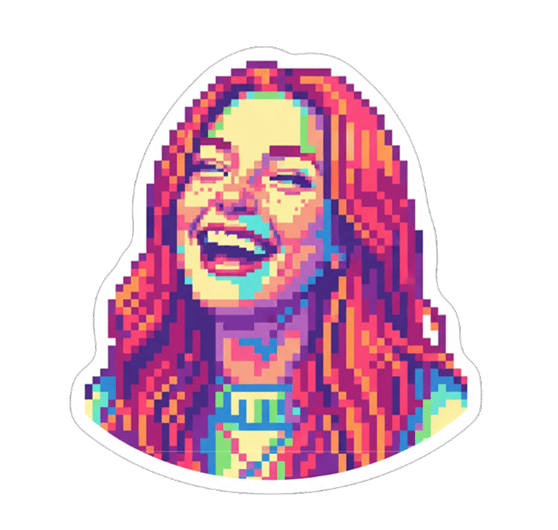
Generate AI stickers in colorful retro pixel art style. Perfect for gamers and collectors who love 8-bit and glitch aesthetics, exportable for WhatsApp, Discord, and Telegram.
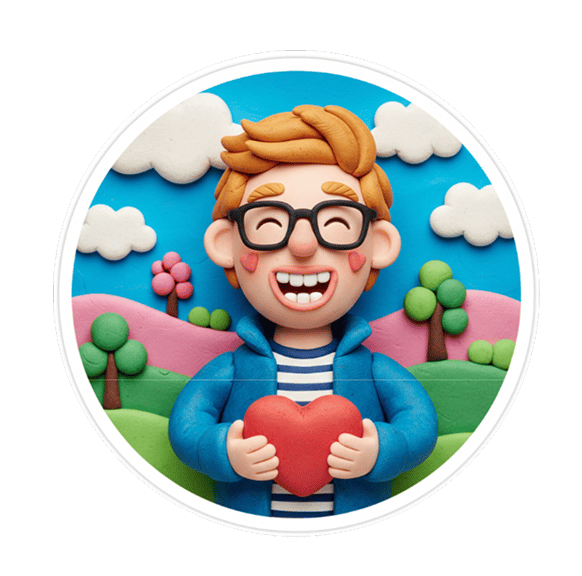
Turn your profile picture into claymation-inspired AI stickers. Achieve a hand-sculpted clay look with exaggerated emotions, perfect for WhatsApp or Telegram sticker packs.
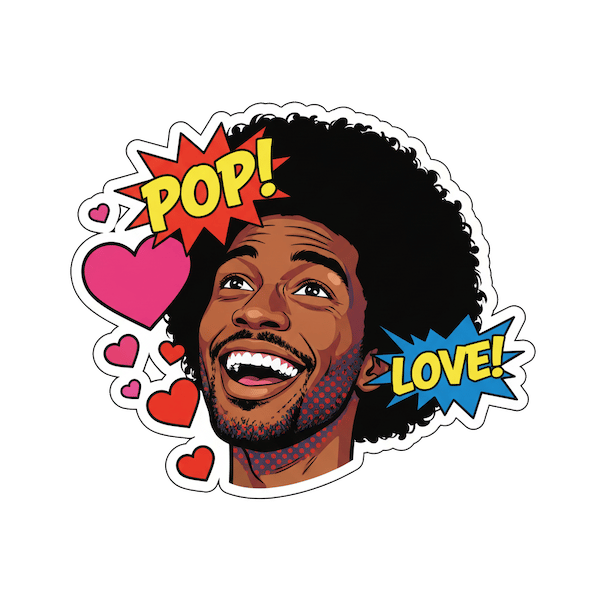
Create Pop Art style AI stickers with bold outlines, bright colors, and halftone patterns. Customize your face into a dramatic, vintage comic sticker pack for social apps and chats.
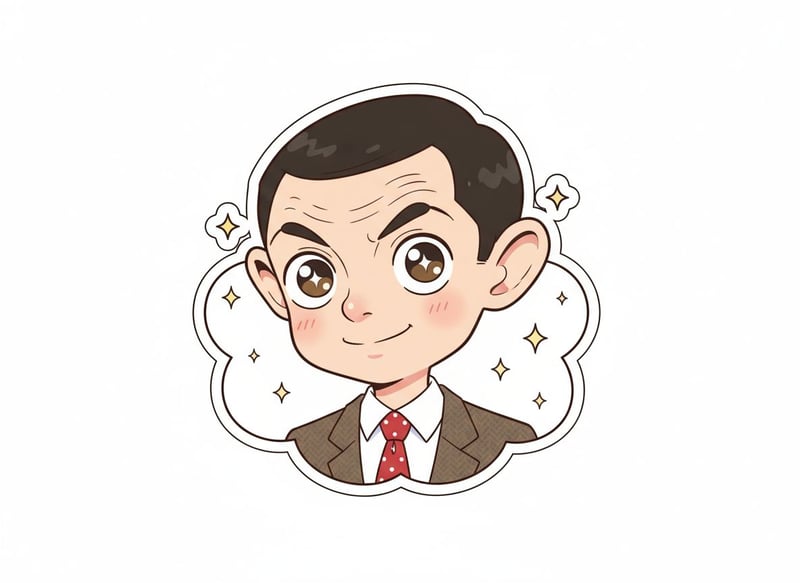
Use our AI Sticker Generator to transform your face or character into kawaii, moe-like anime stickers. Perfect for WhatsApp, Telegram, Discord, and iMessage with cute outlines and vibrant colors.
Transform your clean line art into a fully colored illustration with strict palette control. The Nano Banana AI model automatically extracts dominant, secondary, and accent colors from your chosen reference image, then applies them logically to skin, hair, clothing, and background.
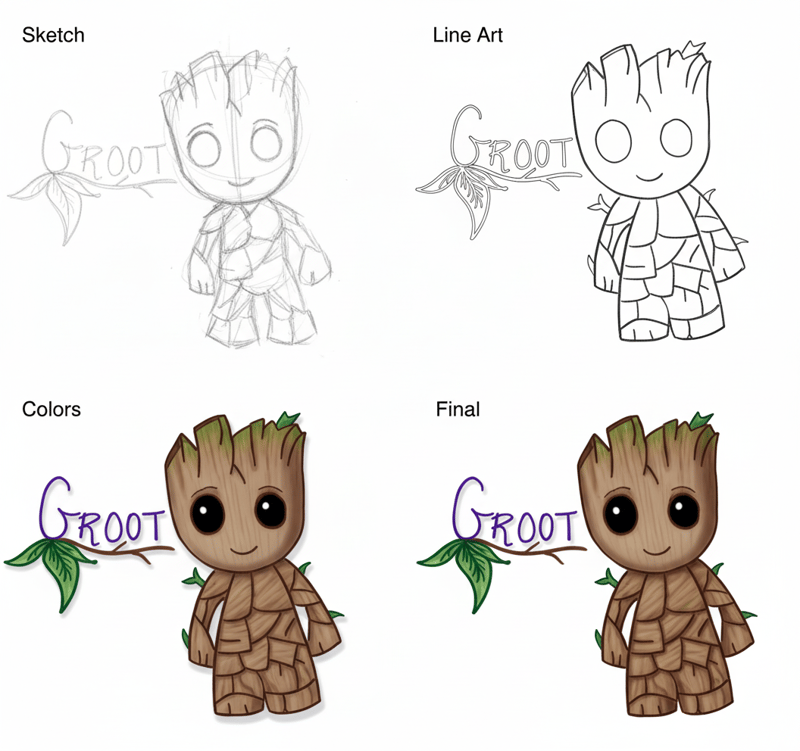
Visualize your artwork coming to life with Nano BiBi’s Painting Process, powered by Google Nano Banana. This AI tool generates a 4-step grid showing your image from rough sketch to polished final painting — perfect for artists, learners, and creative showcases.
Analyze makeup in your portrait with Nano BiBi’s Makeup Analysis, powered by Google Nano Banana. This AI beauty tool reviews foundation, eyeliner, lipstick, and overall styling, then suggests improvements with red-pen markup — helping you refine cosmetic details, explore new looks, and achieve flawless results.
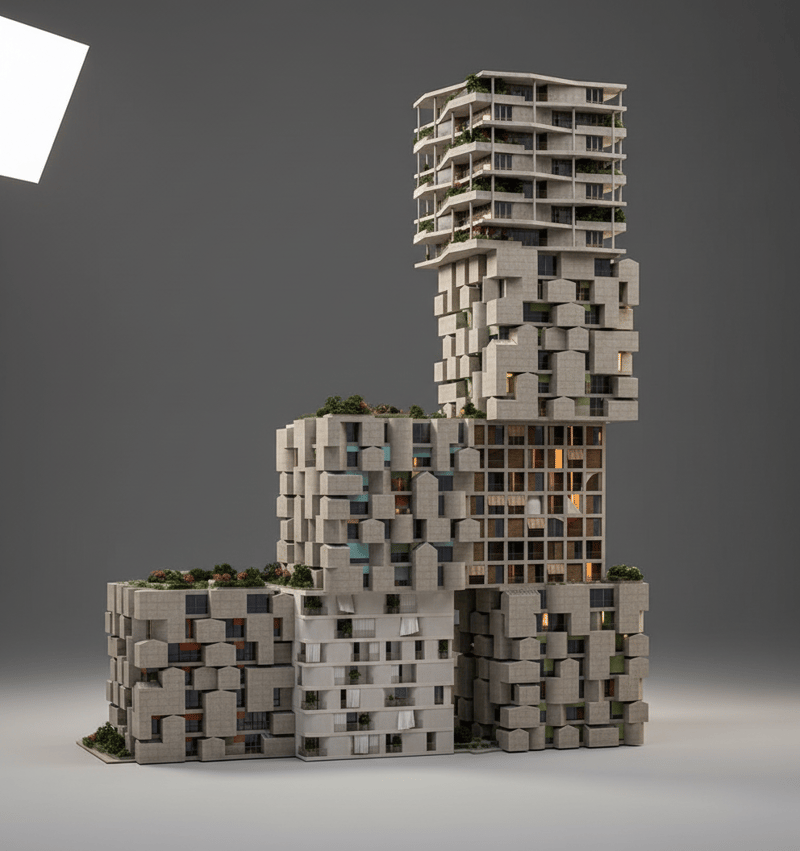
Transform any building into a detailed miniature architectural model with Nano BiBi’s Architecture Model, powered by Google Nano Banana. This AI architecture tool creates lifelike scale models, 3D visualizations, and realistic architectural renderings — perfect for architects, designers, and hobbyists.
AI creation tutorial in 4 simple steps for batch image editing, bulk AI generation, and multi-modal content. Step 1: choose a bulk workflow; Step 2: craft prompts with keyword guidance; Step 3: run the batch image editor, AI upscaler, or video generator; Step 4: download and share. Covers text-to-image, text-to-video, audio guides, and best practices—no experience required.

AI Creation Tutorial — 4 Steps to Master AI Content Generation

Create faster with AI. Every workflow — background removal, upscaling, editing — is step-by-step, simple, and ready for beginners.

The entire flow is streamlined: pick what you want to do, describe it, and the AI handles the rest. No editing skills needed, just consistent and clean results for all your images and media.

Fast Generation (≈30s)
No AI Experience Required
High-Quality, Consistent Output

Step 1Choose an AI Filter

Browse our library of AI-powered filters and styles — from cartoon effects and 3D renders to vintage aesthetics and artistic portraits.
Select AI Creation Tool, Choose Feature, Batch Image Editor, Bulk Workflow1
AI Creation Step 1
Easy to Learn

Step 2Upload Your Photo

Upload the photo you want to enhance or transform. Multiple formats are supported, and high-resolution images deliver the best results.
Write Prompt, Add Style & Constraints, Background Removal, Color Control2
AI Creation Step 2
Easy to Learn

Step 3AI Processing

Our advanced AI algorithms analyze your photo and apply the selected filter or effect. Processing usually takes just a few seconds.
AI Generation, Multi-Step Editing, Upscaling, Brand Style Unification3
AI Creation Step 3
Easy to Learn

Step 4Download & Share

Download your AI-enhanced photo instantly and share it on social media, use it in your projects, or keep it for personal collections.
Download Result, Share to Social, Watermark Options, Campaign Delivery4
AI Creation Step 4
Easy to Learn

Start Your AI Creation Journey — Fast, and Built for Bulk Editing

Experience cutting-edge AI automation. Turn ideas into visuals, videos, and audio with batch background removal, smart erase, and AI image upscaling.
In just a few steps, generate stunning AI images, cinematic clips, and studio-grade audio ready for e-commerce, social media, or marketing launches.

Zero-Setup, Beginner-Friendly
≈30-Second Turnaround
Pro-Level Output Quality

AI Creation Tips — Boost Your Generation Quality

Be specific: include subject, style, camera angle, lighting, resolution, and constraints to guide the model.
Keyword tuning: add art style, mood, color palette, lens (e.g., 35mm), composition (rule of thirds), and timeframe.
Iterate: try multiple generations and refine prompts; use multi-step edits to lock character identity and brand tone.
Adjust parameters: scale guidance, seed, and safety settings; enable watermarks for authenticity and rights management.
AI creation FAQ, AI content generation help center, AI tool usage guide, AI image generation FAQ, AI video production FAQ, AI audio creation FAQ, AI music generation guide, AI copyright and legal issues, AI generation cost, AI content quality optimization, AI tool troubleshooting, AI creation tutorials, free AI creation platform Q&A, technical support for AI content tools.

AI Creation FAQ - Help Center

What are AI photo filters?

AI photo filters use advanced artificial intelligence algorithms to instantly transform your photos into different artistic styles such as cartoons, 3D renders, vintage effects, portraits, and more. Simply upload your photo, and the AI will automatically generate stunning, high-quality results.

How do I use AI photo editing tools?

Using our AI photo editing tools is simple: 1) Select your preferred filter or style, 2) Upload your photo, 3) Wait a few seconds for AI processing, 4) Download your enhanced image. The entire process is automated and beginner-friendly.

Which image formats are supported?

We support popular image formats including JPG, PNG, and WEBP. For the best results, we recommend uploading high-resolution images.

How long does AI photo processing take?

Most AI processing is completed within 10–30 seconds, depending on image size and the complexity of the chosen effect.

Can I use AI-generated images for commercial purposes?

Yes, you may use AI-generated images commercially. Please ensure you own the rights to the original photo you upload before generating content.